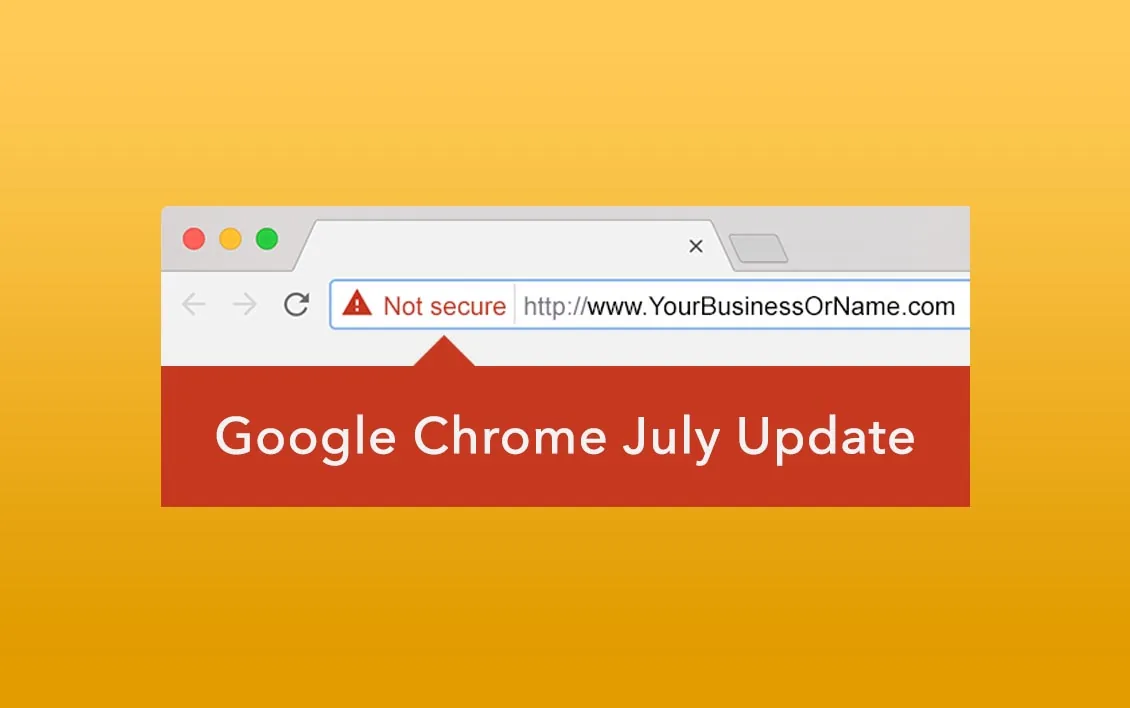

Websites without SSL show a “Not Secure” warning in Chrome
You’ve probably heard of SSL but weren’t sure you needed it. SSL enables the secure HTTPS connection for your website, encrypting all data sent between the visitor’s browser and your server, so you and your customers stay safe.
Google Chrome made it official in July 2018
When this post was first published, Google had announced that starting in July 2018 (Chrome 68), every website without a security certificate would show visitors a “Not Secure” warning. That change is now long established, and other major browsers warn visitors in similar ways. SSL isn’t just the right thing to do for your visitors; it also helps your search rankings and brings more traffic to your website.
What to do now
The online world has gone SSL. Certificates once cost hundreds of dollars per year; today, trusted free certificates from authorities like Let’s Encrypt are available on modern hosting. We install, monitor and automatically renew SSL as part of our Website Care Service, with:
- Strong encryption: industry-standard encryption for every visitor.
- Universal browser recognition: all major browsers trust these certificates.
- Automatic renewal: no expired-certificate warnings scaring visitors away.
Learn more in does your website need an SSL certificate?
Still seeing “Not Secure” on your website? Send us a message and we’ll fix it.

About the author
Leighton Smith is Pioneer Media’s website designer, web developer and webmaster, based in East Tennessee. As a solopreneur, he is each client’s one point of contact and has built hundreds of websites since learning to code in 2006.